In 2026, ambitious Shopify brands are no longer relying on a single sales channel. Instead, they’re focusing on creating seamless omnichannel shopping experiences that enable customers to interact with and buy from their brand across multiple channels.
For customers, this creates a faster, more convenient, and hassle-free shopping experience. They can discover and purchase products wherever they prefer to shop, whether that’s directly through your eCommerce store, on social media, or on marketplaces like Amazon and eBay.
For Shopify brands, selling on Amazon and eBay has become a key part of a successful omnichannel strategy.
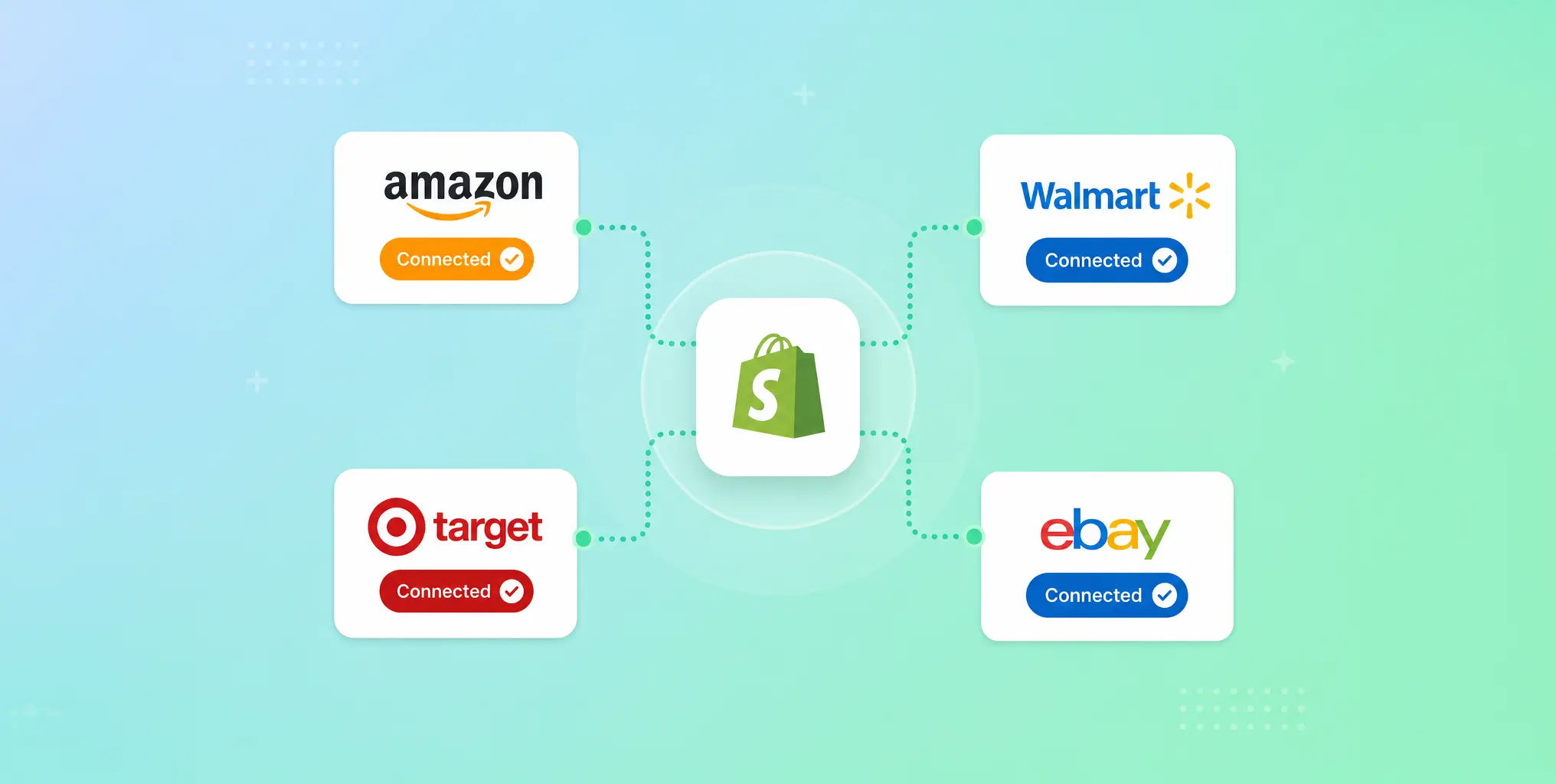
And that’s where Shopify’s Marketplace Connect app comes in. This powerful app enables Shopify merchants to publish their products to Amazon and eBay and then manage their product listings, inventory, and orders across all marketplaces from one central location within Shopify Admin.
In this article, we’ll explain what Shopify Marketplace Connect is, how it works, and provide a step-by-step guide to setting up your first marketplace.
What is Shopify Marketplace Connect?
Marketplace Connect is an app built by Shopify that allows you to connect your store to Amazon and eBay. It also connects with Target and Walmart for sellers based in the US.
With Shopify Marketplace Connect, you can:
- Manage all your channels from your Shopify Admin panel.
- Sync your inventory across all channels in real-time.
- Manage and fulfil all orders from the Shopify Admin.
This smart tool doesn’t just dump your product data into each marketplace; it also allows for bi-directional synchronisation. This means that when you update a product listing on Shopify, the changes will automatically update on the other channels too. It also syncs orders across all channels. So if you sell a product on eBay, your inventory on Shopify is updated, and the sale appears in your Shopify Orders list.
How Marketplace Connect makes Amazon product setup easier
Any eCommerce merchants who have ever sold on Amazon before will be only too familiar with the frustrating Amazon ‘taxonomy mismatch’ error.
Historically, when trying to import product data from an eCommerce store to Amazon, Amazon’s strict listing requirements have made product data mapping very difficult. While your product may be categorised under ‘shirt’ and ‘colour: midnight’ in Shopify, Amazon will demand a much more complex structure. For example, in Amazon, the same product may be categorised under ‘Apparel > Men’s > Tops’ and ‘ColourMap: Blue’, resulting in a mismatch error. As a result, merchants can end up spending hours troubleshooting listing errors and matching the product attributes manually.
Thankfully, this problem is now in the past for Shopify merchants.
Shopify’s AI taxonomy engine analyses your product listing and automatically suggests the correct Amazon categories when publishing products using Shopify’s Marketplace Connect.
For merchants with large product catalogues, this can dramatically reduce setup time and minimise listing errors, potentially saving hours of time and making scaling onto Amazon significantly faster.
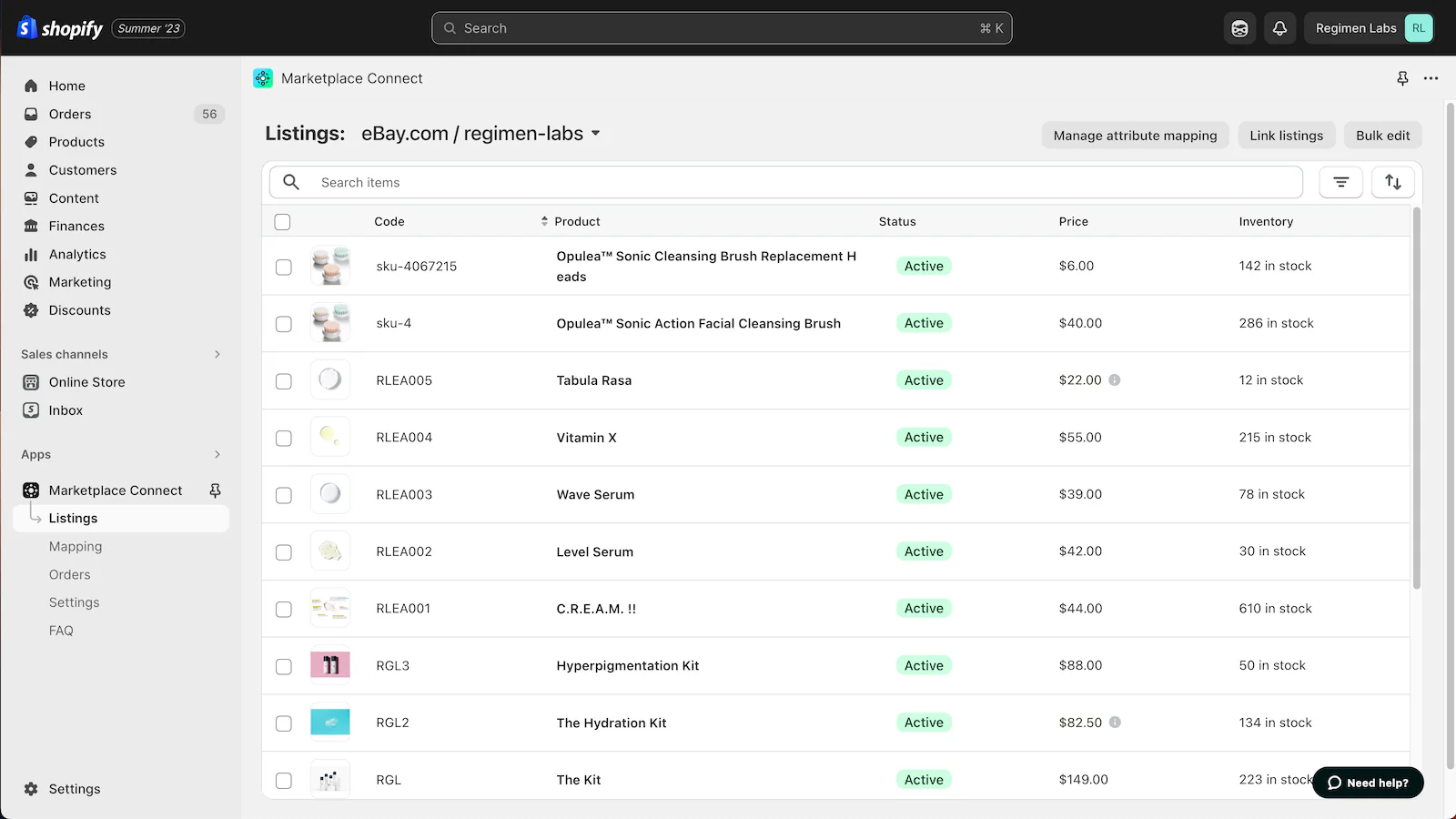
Image Credit: Screenshot from App Store
A step-by-step guide to setting up your first marketplace using Shopify Marketplace Connect
Once you know how, setting up a new marketplace in Marketplace Connect is a quick and easy process.
We’ve created this quick guide to help you get started.
Step 1: Install Shopify Marketplace Connect
First, check that your store meets the Shopify Marketplace Connect app requirements, then install Shopify Marketplace Connect from the Shopify App Store.
Step 2: Connect your marketplaces
Open the Shopify Marketplace Connect app and navigate to Home > Marketplaces > Connect marketplaces.
You can now select the marketplace you want to connect to, eg, Amazon or eBay. You’ll then be asked to sign in to the marketplace to connect it to the app. This allows Shopify and the marketplace to securely share information like product listings, inventory levels, and orders.
Step 3: Choose which products to sync
Once you’ve connected your Shopify store to a marketplace, you can begin listing your products.
One of the biggest mistakes merchants make when first starting out with Marketplace Connect is syncing all their products at once.
Different marketplaces attract different types of shoppers, so it pays to take a more strategic approach, at least to start with.
When starting out, we suggest focusing on bestsellers and hero products with strong demand on Amazon and clearance stock, returns, and end-of-season products on eBay.
You can manage your products by navigating to the ‘Listings’ section on Marketplace Connect and choosing either ‘Single edit mode’, ‘Bulk edit mode’, or ‘Attribute mapping mode’.
Step 4: Configure channel-specific rules
Marketplace Connect also allows merchants to set channel-specific rules to help customise pricing to maximise profitability and prevent overselling – because not every marketplace is the same.
Different marketplaces charge different fees. Therefore, it makes financial sense to customise pricing on each marketplace to protect your margins.
Marketplace Connect allows you to create channel-specific pricing and inventory rules, like automatically increasing Amazon pricing by 15% or displaying an item as out of stock on Amazon if stock falls below five units on Shopify, giving you greater control.
Step 5: Review product mapping and publish
Shopify’s smart AI taxonomy tools will analyse the listings for the products you have chosen to sync and suggest the most appropriate product categories and attributes for this marketplace, saving you a huge amount of time.
All you need to do now is use the bulk editor to quickly review the suggestions and make any necessary changes before clicking publish to put your products live.
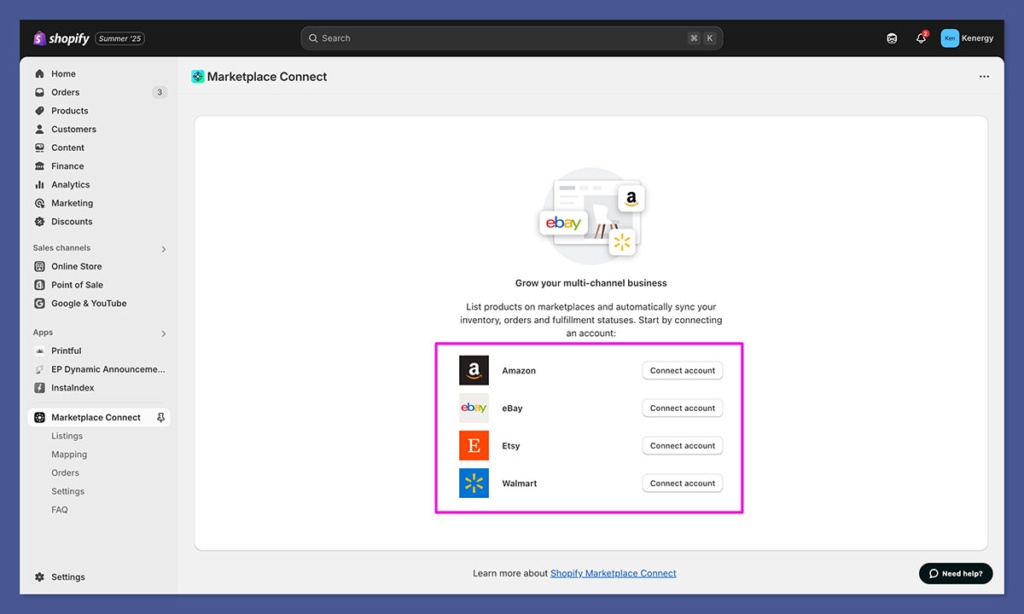
Image Credit: Screenshot from Shopify Marketplace Connect App
Tips for using Marketplace Connect strategically in 2026
When used strategically, Marketplace Connect can help merchants to do so much more than just sell more products. It can be used to help clear old stock and returns, test new products, grow brand awareness, and reach new audiences.
Let’s find out some of the top ways merchants are using it to grow their business in 2026.
Make eBay your clearance centre
People browsing eBay are often looking for bargains and are more likely to accept imperfect items if the price is right! Because of the different expectations of shoppers on this platform, many merchants use eBay as their clearance centre, where they sell off old stock, refurbished items, and customer returns at discount prices.
To do this, create a ‘Clearance’ collection in Shopify and configure Marketplace Connect to only sync products in this collection to eBay.
Test products on Amazon using the merchant fulfilment option
One of the biggest risks of selling on Amazon is sending too much stock to Amazon’s warehouses too early, resulting in expensive storage fees if products don’t sell.
A smarter approach is to test demand first using merchant fulfilment (FBM) rather than fulfilment by Amazon (FBA). This allows you to ship products directly from your warehouse or fulfilment centre to begin with.
Use Amazon to drive product discovery
Many shoppers use Amazon like a search engine to discover new products, making it a great place to increase visibility and grow brand awareness.
Rather than uploading their entire product catalogue, many merchants choose to only list hero products and bestsellers on Amazon. This helps new customers to discover your brand while encouraging them to visit your Shopify store to explore the rest of your product range.
Use eBay to test international demand
If your Shopify store hasn’t expanded internationally yet, eBay is a great platform for testing the water and finding out where in the world there is demand for your products without the cost and complexity of launching dedicated international storefronts.
This is a great strategy for smaller merchants who aren’t yet ready to invest in international websites. Instead, using Marketplace Connect to list products on eBay allows you to test demand across multiple regions and identify where in the world to focus your efforts.
Shopify Marketplace Connect FAQs
Is the Marketplace Connect app free?
Yes, the Marketplace Connect app is free to install, but additional charges may apply. Your first 50 marketplace/synced orders each month are free, after which a 1% fee per additional synced order applies, up to a maximum charge of $99/month.
Can Marketplace Connect be used for dropshipping products?
Yes, Marketplace Connect can be used for dropshipping. However, platforms like Amazon have strict handling and delivery times, so make sure your handling times in Marketplace Connect accurately reflect how long your supplier usually takes to dispatch orders.
Can you manage returns using Marketplace Connect?
If a customer on eBay or Amazon requests a return, Marketplace Connect will sync the request back to Shopify. However, all returns and refunds still need to be processed through the marketplace; you cannot initiate the refund from Shopify.
Grow your marketplace sales with Create8
Ready to grow your brand’s omnichannel presence?
At Create8, our team of eCommerce specialists help Shopify merchants to get set up with Marketplace Connect, optimise their marketplace listings, and build scalable multi-channel strategies.
Contact us today to learn more about how we can help you grow your marketplace revenue.